
Receive Quote Requests Effortlessly
Make it easy for customers to ask questions before buying. Add a customizable "Request a Quote" option to your products or services so users can easily submit their needs, questions, or bulk order information. All requests are collected in one central dashboard for quick review and response. Get instant email notifications to ensure you never miss a potential sale.
Start Free Trial Now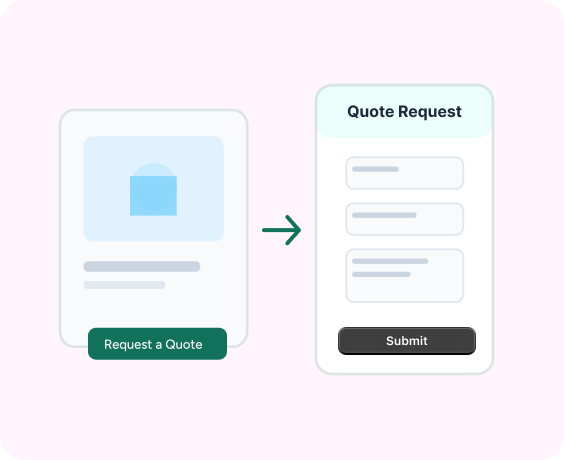
Advanced Features Quote Requests
Manage and synchronize quotes with complete control
Customizable Quote Button
Customize the "Request a Quote" button on your product pages to seamlessly reflect your brand's identity.
Flexible Inquiry Form
Create custom fields to collect specific details like quantity, budget, requirements, or special instructions.
Centralized Quote Dashboard
View, filter, and manage all quote requests from one organized admin panel.
Instant Email Notifications
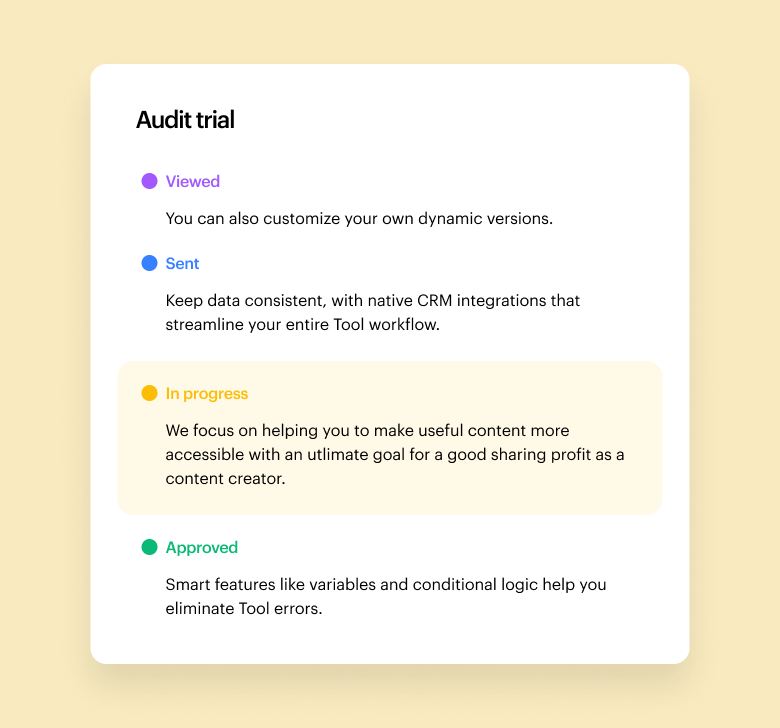
Reply directly to customers and track quote statuses (Pending, Approved, Rejected, etc.).
Works with Any Product Type
Perfect for wholesale, bulk orders, custom products, or high-value items.
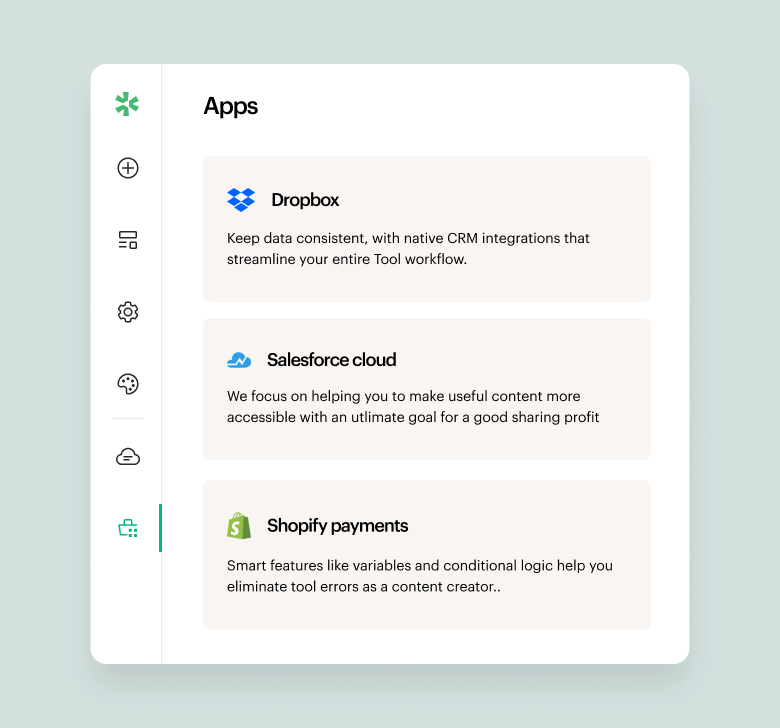
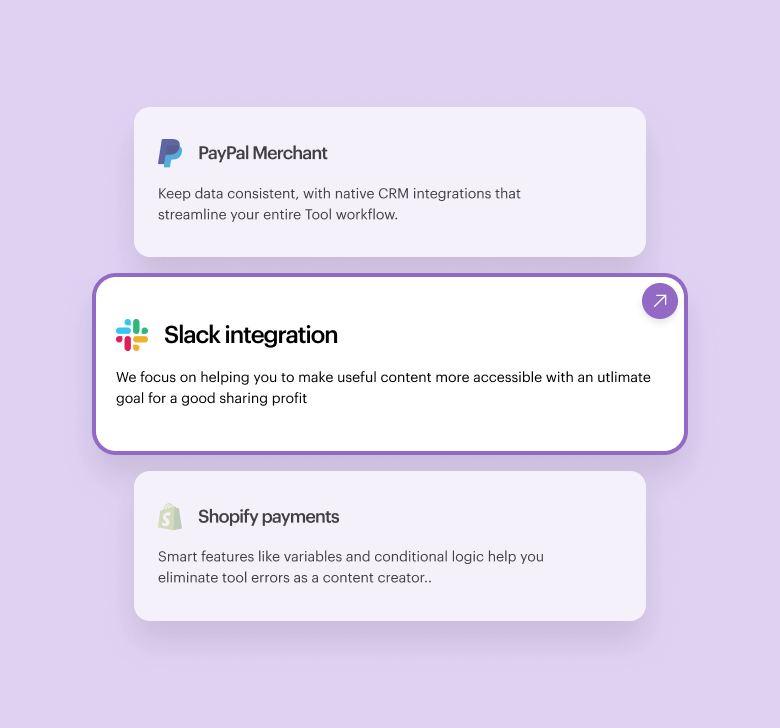
A quick look inside the backend editing panel.
Explore the backend editing panel to understand how powerful and intuitive the editing experience is.
What our clients sharing about us!

“Responsive and patient support. They work with the client for best results and understanding of the apps.”
Barbara
CEO, Co-Founder.

"Great customer service. They responded quickly and multiple times until my issue was resolved."
Ergin Karakoyun
Director

"Amazing plugin. Easy to use, with great layout which gives good first impressions to anyone who sees the website. There were some issues that the team handled and resolved. I'm really satisified with the plug and their support."
Dimitris Khan
Founder & CEO
Frequently asked questions!
How do customers submit a quote request?
Customers click the “Request a Quote” button, fill out the form, and submit their request. You instantly receive the details in your QuoteZic dashboard.
Will I get notified when a new quote request is submitted?
Yes. You receive an email notification whenever a new quote request comes in, so you never miss a potential sale.
Can customers request multiple products in one quote?
Yes. Customers can add multiple items to their quote list and send one combined request.
Can I customize the quote request form?
Yes. You can add, remove, or modify form fields to match your business needs.
Where can I view all incoming quote requests?
All quote requests are organized inside your QuoteZic dashboard. You can view, filter, and manage everything from one place.
