
Fully Customizable Quote Button
Design your “Request a Quote” button to perfectly match your brand and storefront style. Control its appearance, placement, and behavior to create a seamless shopping experience.
Start Free Trial Now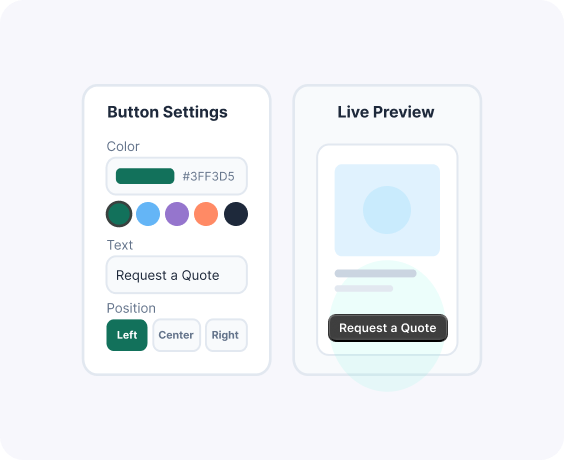
Advanced Features Customizable Quote Button
Manage and synchronize users with complete control
Flexible Placement Options
Display the button on product pages, shop pages, or anywhere using shortcode.
Complete Style Control
Customize text, colors, font sizes, borders, and hover effects to match your brand identity.
Show/Hide by Product Type
Enable the quote button for specific products, categories, or user roles.
Replace Add to Cart (Optional)
Hide the Add to Cart button and show only the Quote option for selected items.
Responsive & Mobile Ready
The Request for Quote Button is fully optimized for all screen sizes and devices.
Theme Compatibility
This popup is fully compatible and works seamlessly with all types of themes on Shopify.
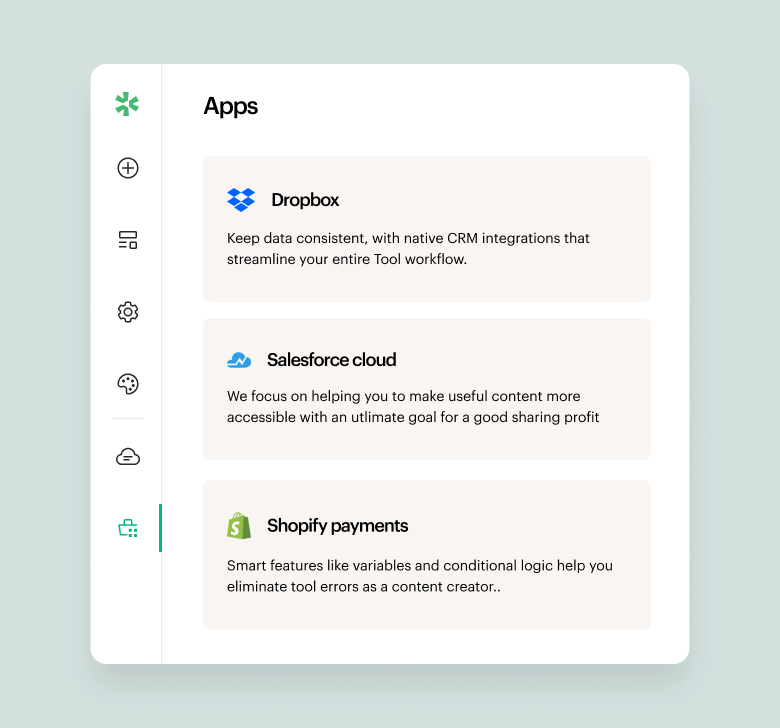
A quick look inside the backend editing panel.
Explore the backend editing panel to understand how powerful and intuitive the editing experience is.

What our clients sharing about us!

“Responsive and patient support. They work with the client for best results and understanding of the apps.”
Barbara
CEO, Co-Founder.

"Great customer service. They responded quickly and multiple times until my issue was resolved."
Ergin Karakoyun
Director

"Amazing plugin. Easy to use, with great layout which gives good first impressions to anyone who sees the website. There were some issues that the team handled and resolved. I'm really satisified with the plug and their support."
Dimitris Khan
Founder & CEO
Frequently asked questions!
Can I change the text of the quote button?
Yes. You can fully customize the button text to match your store, for example, “Request a Quote,” “Get Custom Price,” or anything you prefer.
Can I match the button design with my brand?
Absolutely. You can adjust colors, size, and styling so the button blends perfectly with your store design.
Can I show the quote button only on selected products?
Yes. You can enable the button for specific products, collections, or your entire store.
Can I hide the “Add to Cart” button when showing the quote button?
Yes. You can replace the Add to Cart button entirely or show both options; you stay in control.
Is it difficult to set up?
No. You can customize and activate the quote button in just a few clicks without touching code.
