
Advanced Quote Form Builder
Create flexible quote forms tailored to your business needs. Easily design custom fields, manage form functions, and accurately collect customer information.
Start Free Trial Now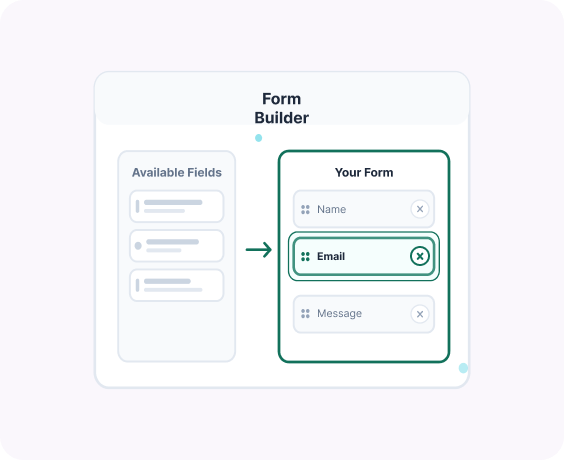
Advanced Features Quote Form Builder
Manage and synchronize users with complete control
Drag & Drop Form Builder
Easily add, remove, and rearrange form fields without coding.
Multiple Field Types
Include text fields, dropdowns, checkboxes, radio buttons, file uploads, and more.
Conditional Logic Support
Show or hide fields dynamically based on user selections.
Required Field Control
Set mandatory fields to ensure you collect essential information.
Custom Labels & Placeholders
Personalize field names and instructions for better user clarity.
Mobile-Optimized Design
Fully responsive form layout for seamless submission on all devices.
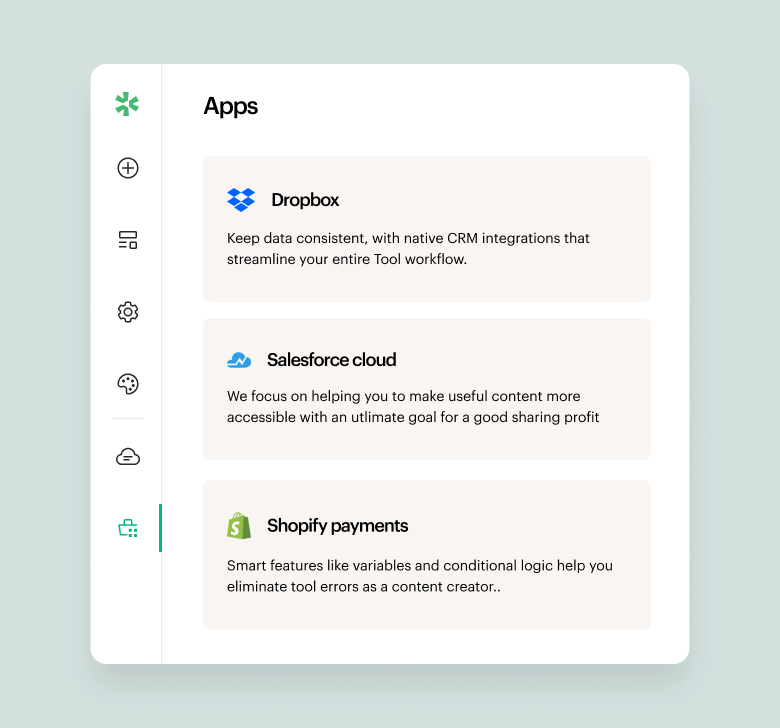
A quick look inside the backend editing panel.
Explore the backend editing panel to understand how powerful and intuitive the editing experience is.


What our clients sharing about us!

“Responsive and patient support. They work with the client for best results and understanding of the apps.”
Barbara
CEO, Co-Founder.

"Great customer service. They responded quickly and multiple times until my issue was resolved."
Ergin Karakoyun
Director

"Amazing plugin. Easy to use, with great layout which gives good first impressions to anyone who sees the website. There were some issues that the team handled and resolved. I'm really satisified with the plug and their support."
Dimitris Khan
Founder & CEO
Frequently asked questions!
What can I customize in the quote form?
You can fully customize the form fields and add, remove, or edit fields to collect exactly the information your business needs.
Can I add custom fields like company name or tax ID?
Yes. You can add fields such as company name, phone number, tax ID, order notes, file upload, and more.
Can I make certain fields required?
Yes. You can mark specific fields as required to ensure you receive all necessary details before reviewing a quote.
Does the form support different field types?
Yes. You can use text fields, dropdowns, checkboxes, text areas, and other input types to structure your form properly.
Is the form builder easy to use?
Yes. You can create and modify your quote form in just a few clicks – no coding needed.
