
Smart Hide Options
Manage the visibility of the quote button with smart settings that allow you to control when and where it appears. Customize the shopping experience by displaying or hiding features according to products, categories, or user roles.
Start Free Trial Now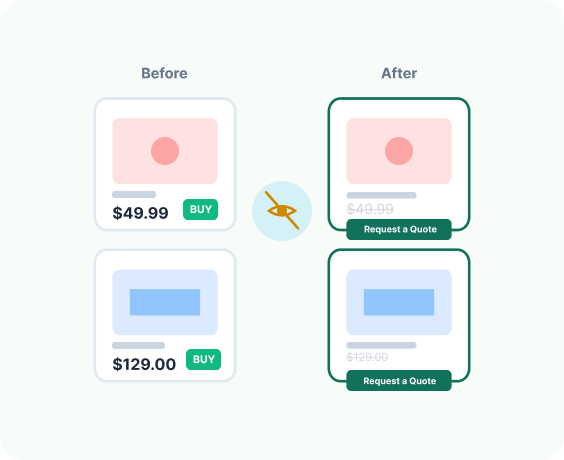
Advanced Features Smart Hide Options
Manage and synchronize users with complete control
Product-Based Visibility
Enable or disable the quote option for specific products.
Category-Level Control
Show or hide the quote button for selected product categories.
User Role Restrictions
Display the quote feature only for wholesalers, logged-in users, or specific roles.
Conditional Add to Cart Removal
Automatically hide the Add to Cart button when the quote option is active.
Flexible Global Settings
Apply rules site-wide or override them per product.
Ease of Use
The settings are intuitive, beginner friendly, and easy to navigate.
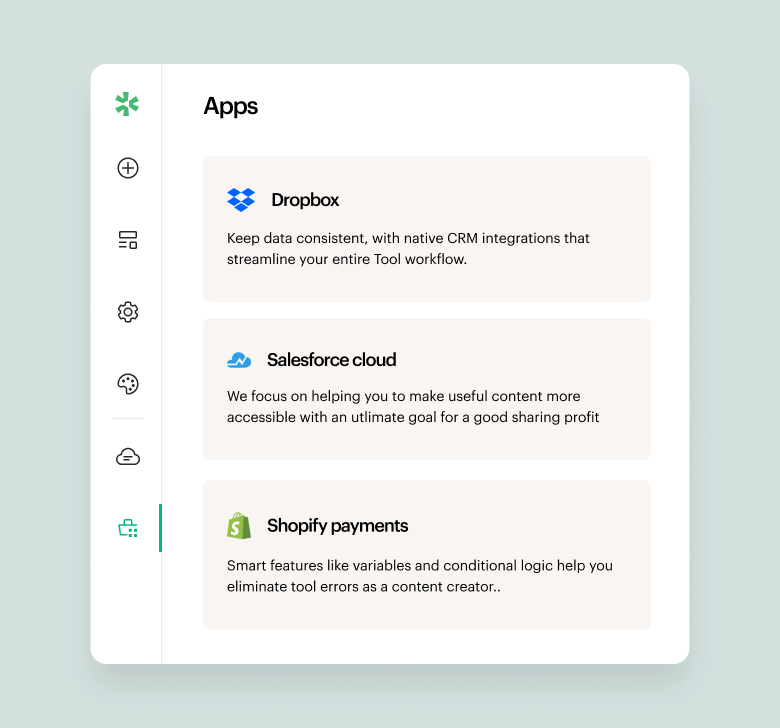
A quick look inside the backend editing panel.
Explore the backend editing panel to understand how powerful and intuitive the editing experience is.

What our clients sharing about us!

“Responsive and patient support. They work with the client for best results and understanding of the apps.”
Barbara
CEO, Co-Founder.

"Great customer service. They responded quickly and multiple times until my issue was resolved."
Ergin Karakoyun
Director

"Amazing plugin. Easy to use, with great layout which gives good first impressions to anyone who sees the website. There were some issues that the team handled and resolved. I'm really satisified with the plug and their support."
Dimitris Khan
Founder & CEO
Frequently asked questions!
What does the Smart Hide Option do?
It allows you to hide product prices, the Add to Cart button, or both, and show a “Request a Quote” option instead.
Can I hide prices for specific products only?
Yes. You can apply the hide option to selected products, collections, or your entire store.
Is this useful for wholesale or B2B stores?
Absolutely. If your pricing depends on quantity, negotiation, or customer type, Smart Hide helps you control what customers see.
Can I show prices only to logged-in customers?
Yes. You can restrict price visibility based on login status, which is ideal for private or wholesale stores.
Will this affect my normal checkout process?
No. Your regular checkout stays intact. Smart Hide only controls visibility. It doesn’t break your store flow.
